Text it
Message your building’s Parkfetch number in plain English. We parse it, confirm it, and route it to the garage.

Live in New York City · iPhone, iPad & Android
Text, call, or tap — your building’s garage brings your car up before you walk out the door. No calling down. No standing around.
How it works
Message your building’s Parkfetch number in plain English. We parse it, confirm it, and route it to the garage.
Say what you need. AI transcribes the call and texts back a confirmation.
Pick your car, pick a time, done. Schedule ahead, run several pickups, or just ask Siri.
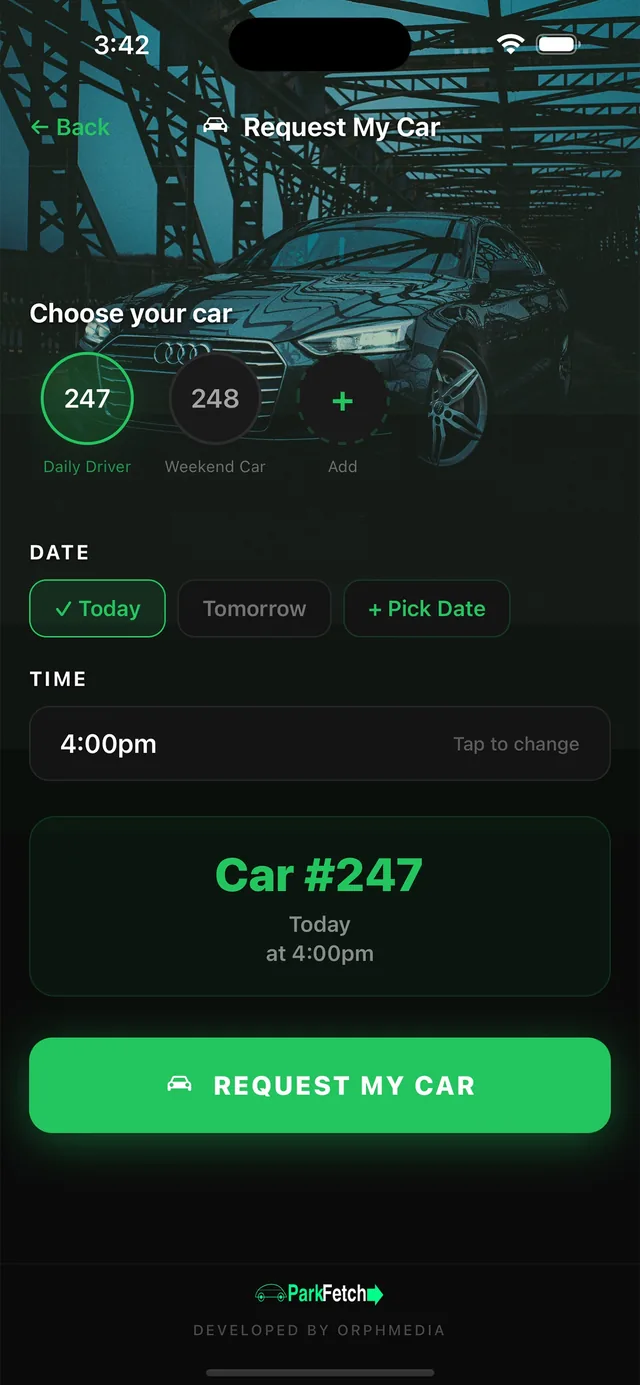
Real-time tracking
Every request moves through a live pipeline that both you and the garage see. A push notification lands the moment your car is ready.
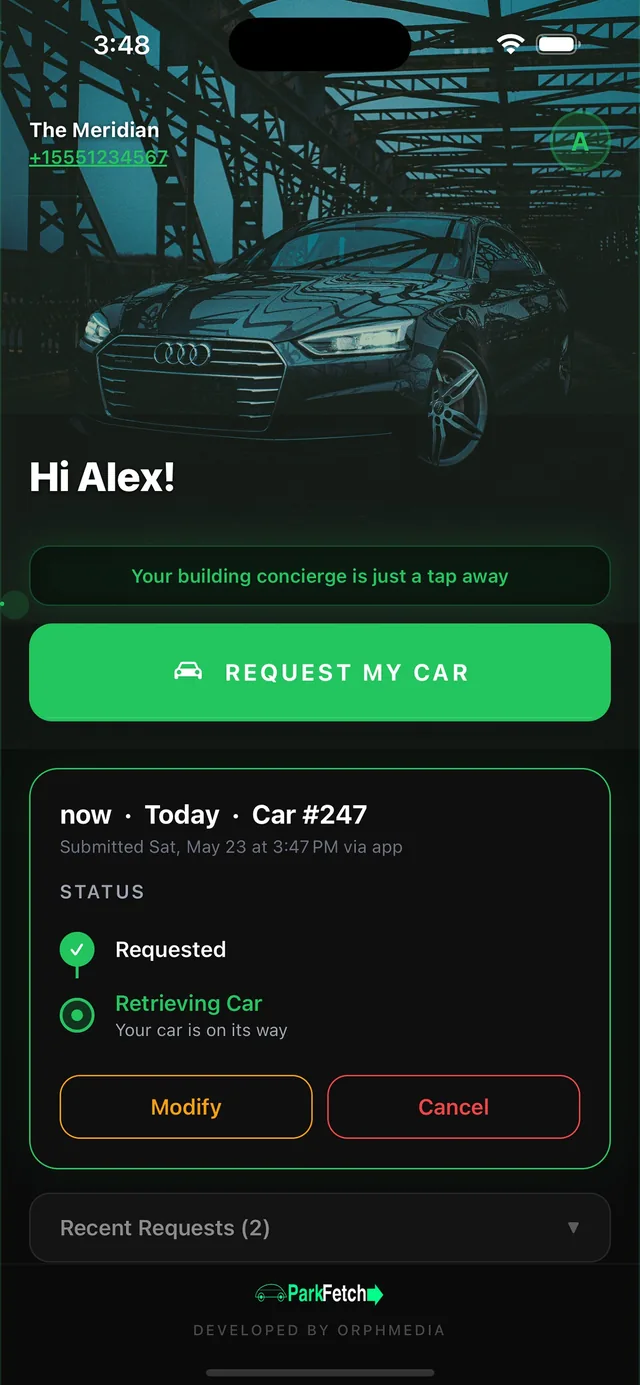
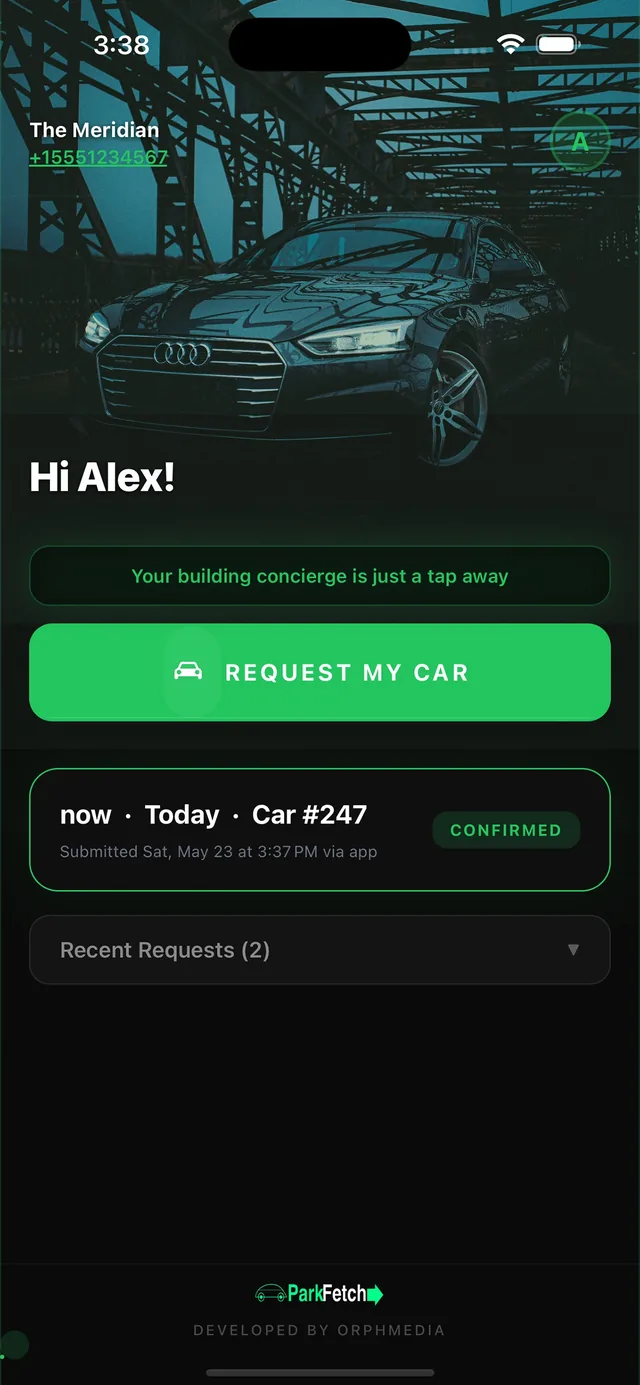
On the App Store now
Residents request. Garages deliver. Everyone stays in sync — whether the request came in by text, call, or tap.
For residents & guests
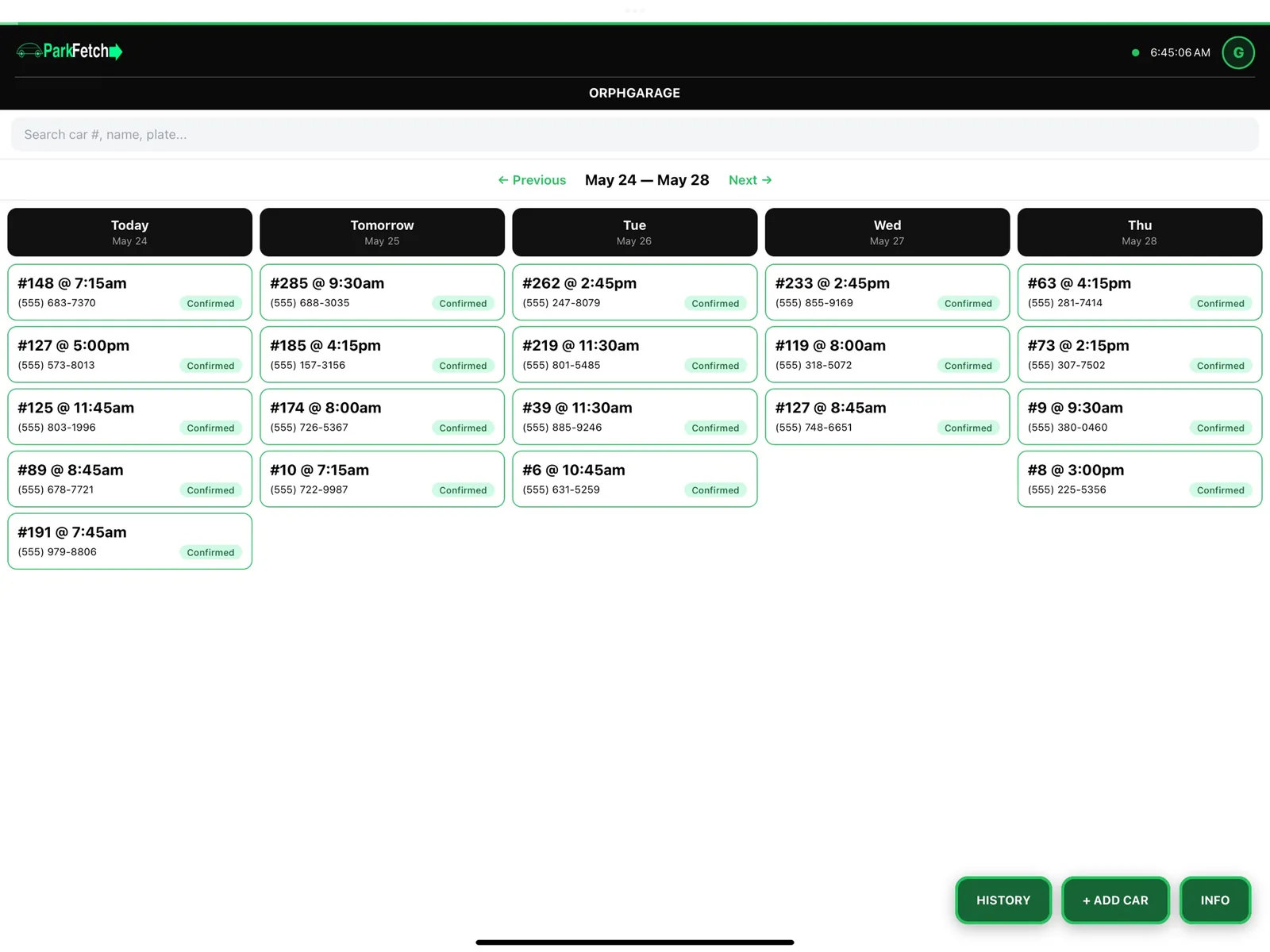
For garages & valet teams
Straight from the App Store
ResidentsHome
ResidentsChoose your car
ResidentsLive status
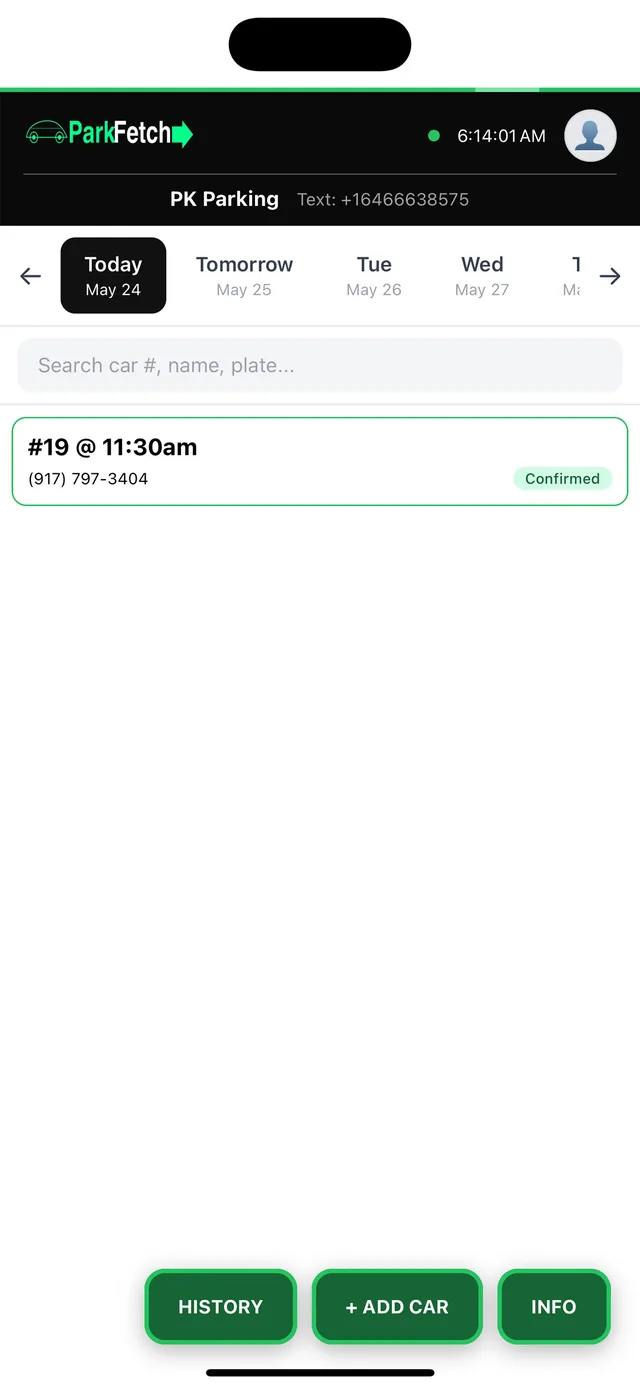
OperatorRequest queue
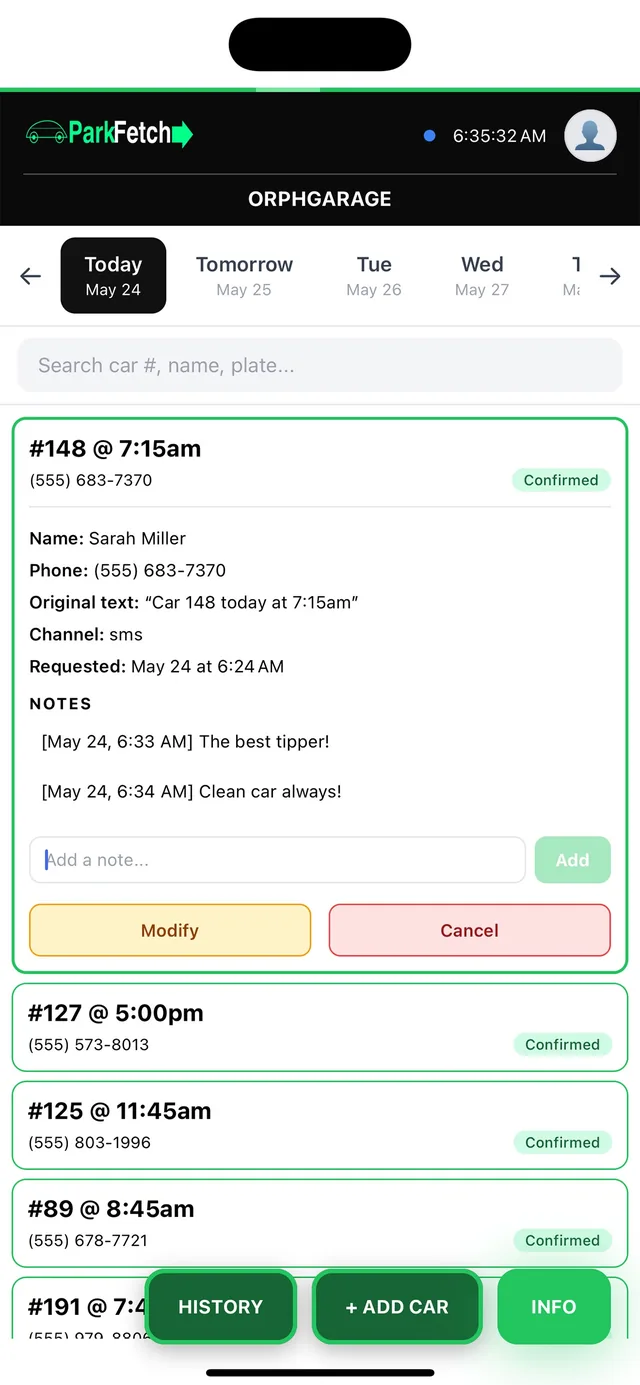
OperatorRequest detail & notes
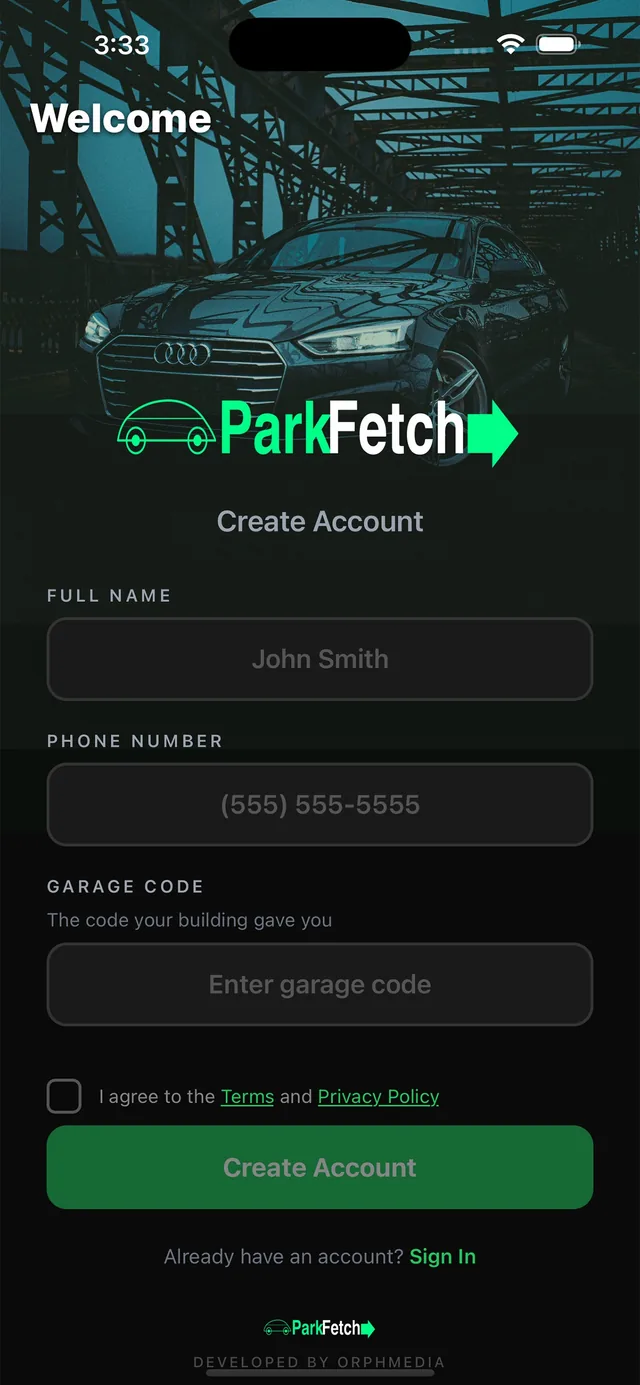
ResidentsSign up in seconds
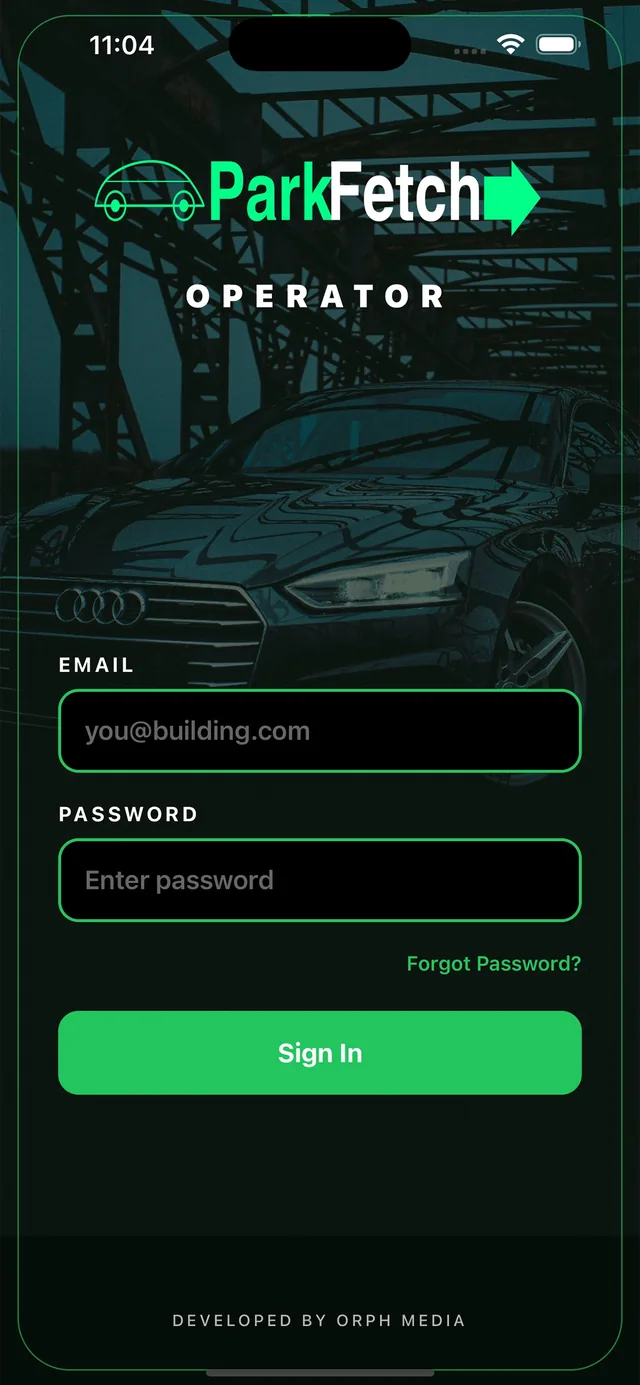
OperatorTeam sign-in
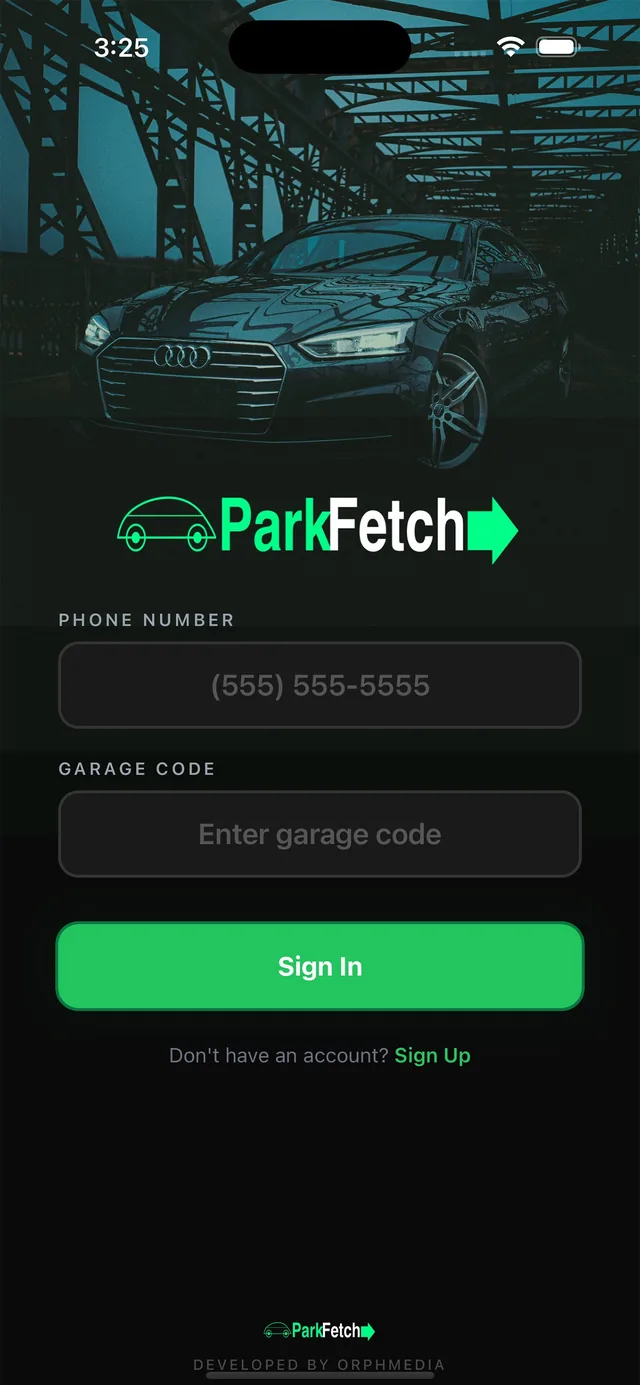
ResidentsPhone + garage code
For buildings, garages & hotels
A dedicated request number, the operator dashboard and a trained team — set up in one visit. No hardware, no integration project.
See Parkfetch for buildingsFAQ
Send a text with your car number and pickup time to your building’s Parkfetch number. You can also call, or tap in the app. Your garage gets the request instantly and brings your car to the curb.
No. Text or call your building’s Parkfetch number — no download required. The app adds one-tap requests, scheduling, Siri shortcuts and live tracking for residents who want it.
New York City — luxury condominiums, doorman buildings, hotel valet services and garage operators. More markets are coming.
Yes. Guests text instead of waiting at the valet stand, and the valet team sees every request on a live dashboard with push notifications.
Most properties are live within 24 hours. We provision a dedicated number, set up the operator dashboard and onboard your garage or valet team in one day.
Get early access for your building — or bring Parkfetch to your garage.